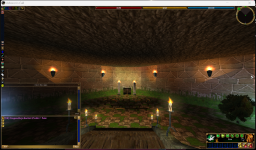
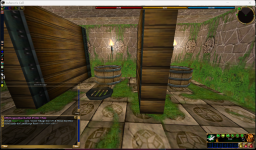
OMG!!! I found an emulator!!
https://emulator.ac/how-to-play/
It's pretty easy to setup, and IT WORKS! I'm using the server
Levistras. This is a server that enforces NO BOTS, so I'm excited to get back to playing circa 2010! There are a lot of other server options each with different game play experiences, including some customizations that were never a part of the game. I'm really excited to play, as I haven't played this game since 2010, and it was being upgraded monthly until sometime in 2017!
After you get everything installed, I think you need to click on the ThwargLauncher icon on your desktop. That will bring you to this screen:
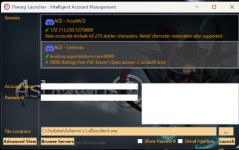
You'll want to click on Browse Servers and choose a server. Like I mentioned above, I chose Levistras. Click Add Server and then click the X to close the window. This will take you back to the first screen.
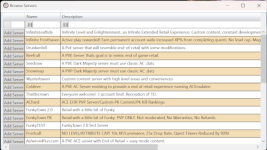
Create your account username and password. The server will automatically create your new account so that you can log in. Click Launch.
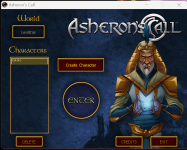
You'll be brought to a character creation screen in FULL SCREEN MODE. Just create your character as you want. There's some YouTube videos for this. If you click finish the character creation in full screen mode, the game will crash with a DirectX error. You have to press
ALT +
ENTER to get into WINDOWED mode. You can change the resolution settings in game.
Happy playing! Let's meet up and have some old school adventures!!
PS. I'm also playing on the Coldeve server too.